Free · English · Made in Belgium
This message is fake. Thousands of people received one that looked exactly like it last year. Safe On Mobile sends you a few of your own, so you learn to spot them before a real one arrives.
How it works
Reading about scams does little. The moment you almost tap the link is the one that sticks.
An SMS from your bank, an email from bpost, a WhatsApp from an unknown number. Looking just like the real thing.
Tap, reply or ignore. In WhatsApp drills the scammer responds to what you type, so no two end the same way.
Afterwards you get the warning signs you caught and the ones you missed, just like the three above.
Inside the app
The drills use the patterns going around in Belgium: messages in the name of bpost, banks, telecom providers, the tax office, the police and second-hand marketplaces. Fill in a few details and the fake scammer names your own bank and town, just like a real one.
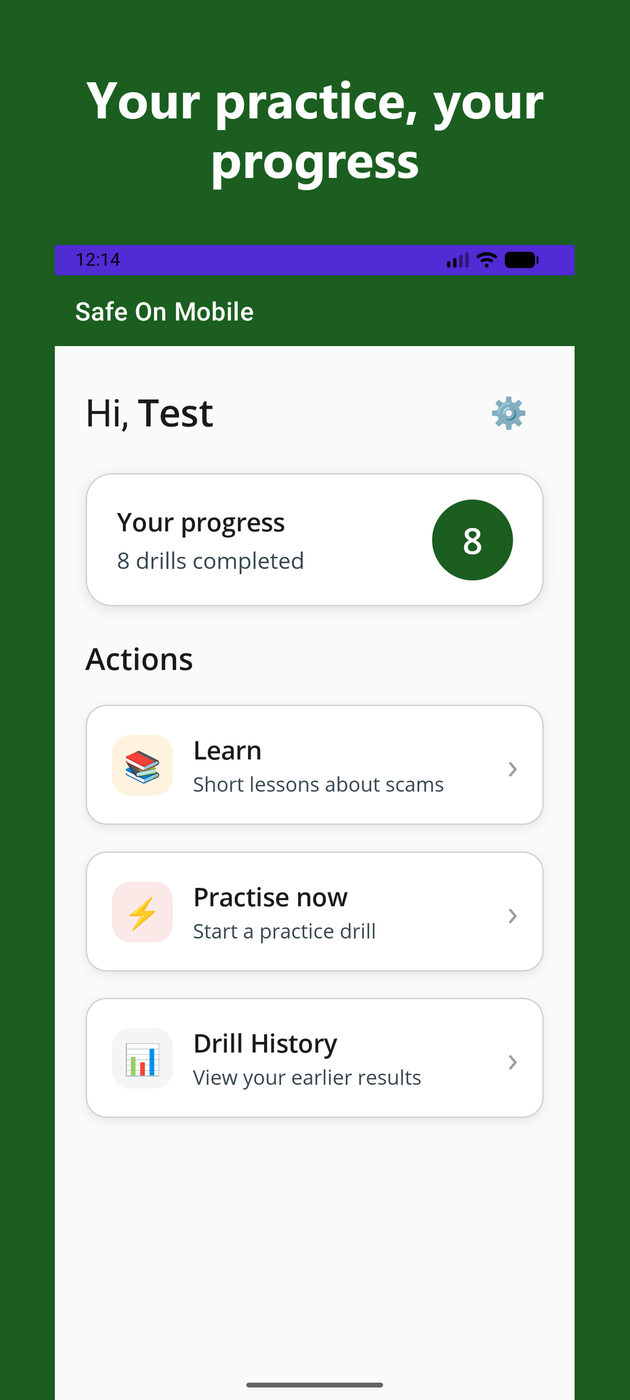
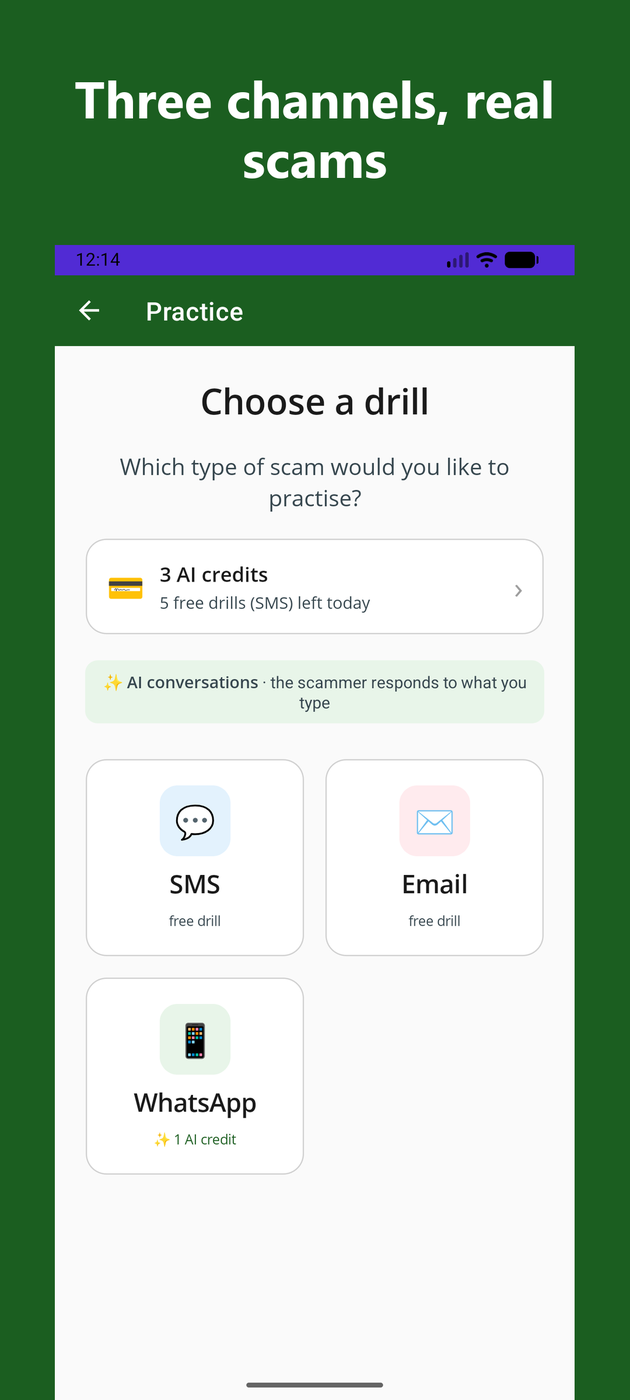
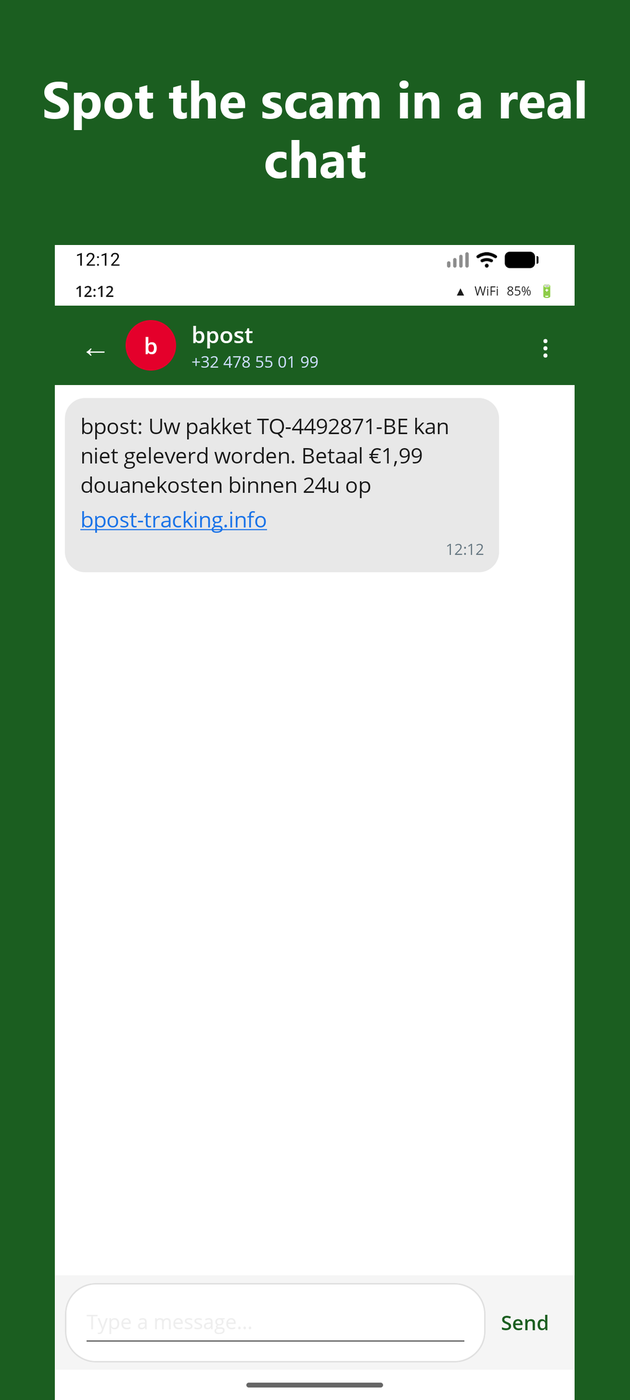
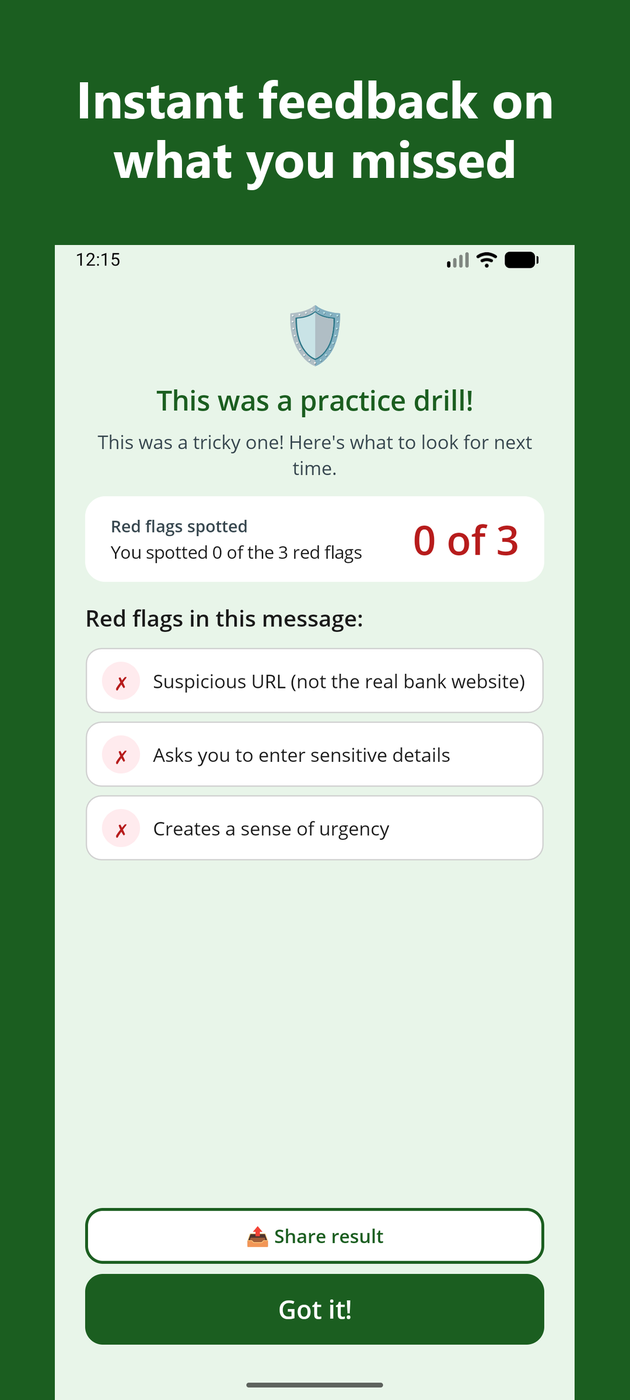
Every message comes from the app itself. Nobody is ever called or emailed, no money moves, and what you enter stays on your own device. It is practice, nothing more.
For organisations
Associations, libraries and community centres working on digital safety: everyone does the same drill on their own phone, then you discuss together what stood out.
Images, a text for your newsletter or a demonstration? Email info@poweraccelerate.com.
No. Downloading is free, and the SMS and email drills stay free. WhatsApp drills use AI and are limited in number.
What you enter stays on your phone. We never sell it and never give it to advertisers. See the privacy policy.
That is what it is for. Put it on their phone and do the first drill together, that works better than sending a link.
